Tensors for Machine Learning

A 3-hour workshop, plus three Kahoot knowledge checks

🇪🇸 ¿Prefieres español? Esta página en español. Las preguntas son bienvenidas en español o en inglés.

What this is

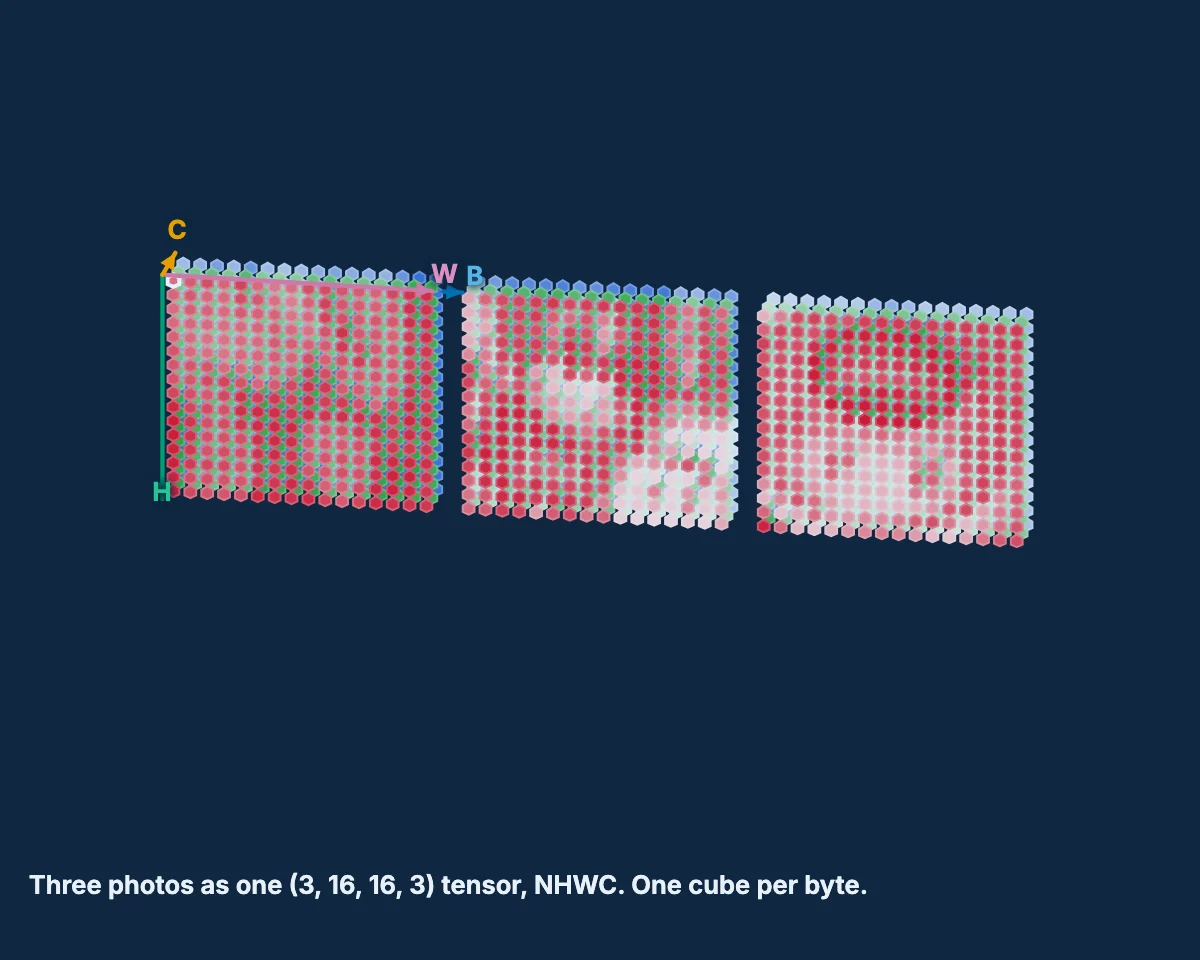
A 195-minute workshop that takes you from “I know matrices” to “I can manipulate, solve, convolve and factorize tensors.” It is built around real data only — real tumour measurements, real handwritten digits, real histology images, real New York taxi trips, real airline traffic. Nothing is invented with random numbers, because real data contains problems that random data never shows: missing values, features on incompatible scales, pixels that never change. Finding those problems is part of the work.

Everything here comes from one source document, the handbook — the slides, the notebooks and this page are all generated from it.

Who it is for

You have read Deep Learning (Goodfellow, Bengio & Courville), Chapter 2 — Linear Algebra. You know matrices. This workshop assumes no previous knowledge of tensor theory, and every new term is defined where it first appears.

Prerequisites

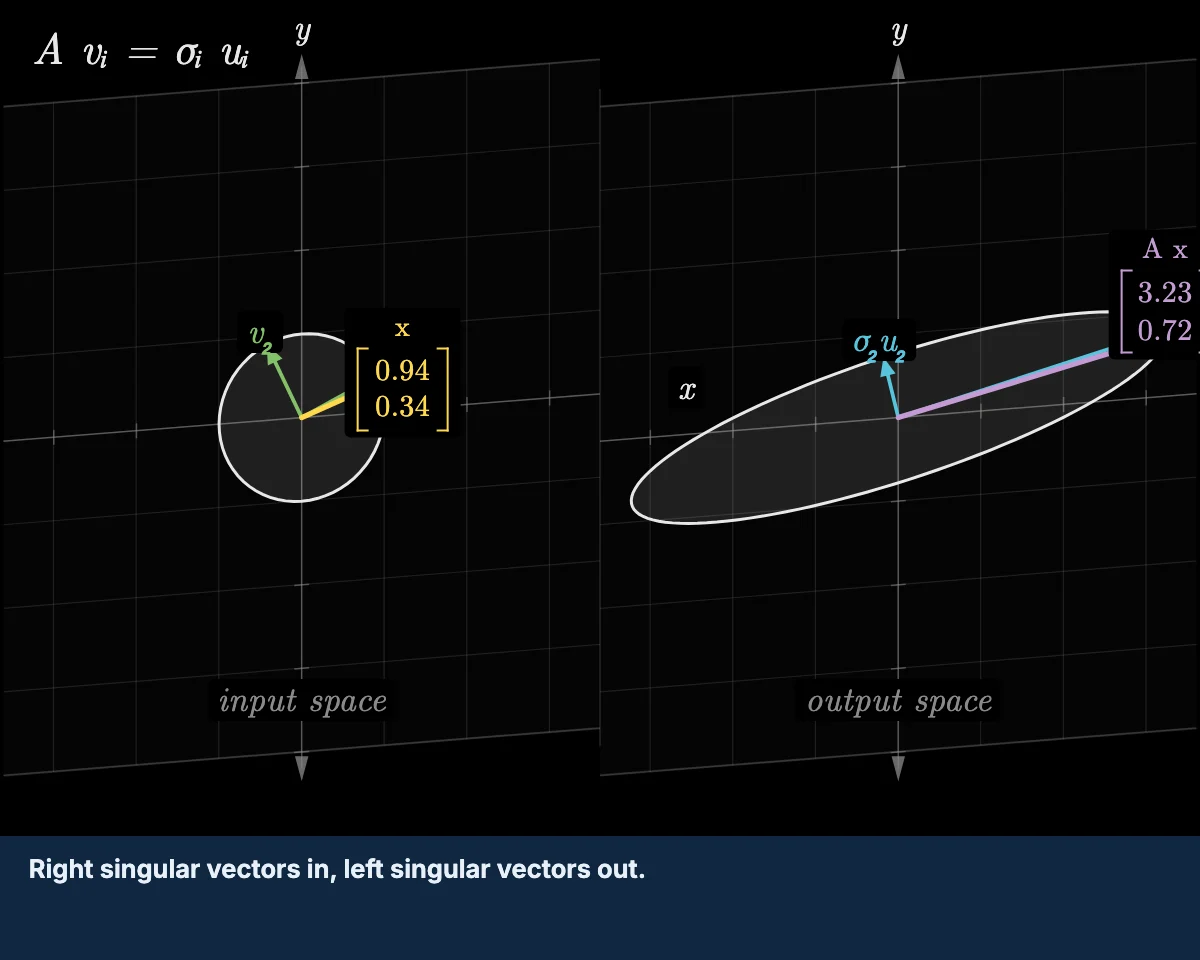
  • The linear algebra in Deep Learning (Goodfellow, Bengio & Courville), Chapter 2 — Linear Algebra — vectors, matrices, the matrix product, the inverse, eigendecomposition, SVD.
  • A Google account, so you can run the notebooks in Colab. Nothing to install.
  • Three CSV files are downloaded at the start. Run notebook 00 before the session and say so immediately if it fails — a silent download failure will leave you stuck at sections 07 and 10.
  • Required pre-work: work through linear-algebra-deep-learning before the session — 14 short bilingual Colab notebooks (~2–3 hours total) covering exactly the linear algebra above, vectors through PCA. This workshop moves fast through material that assumes you’ve done this review.

How to run the notebooks

Click any Colab link in the table below. The notebook opens in your browser, already connected to a free runtime.

  1. Every notebook is self-contained. Its setup cell installs and imports exactly what that section needs and loads its own data, so you can open any one of them cold, in any order, without having run the others.
  2. Run the setup cell first (â–¶ or Shift+Enter).
  3. Work through the # TODO cells. Each has a solution cell underneath, folded away — open it after you have tried, not before.
  4. Colab will warn that the notebook was not authored by Google. That is expected; the source is on GitHub.

Changes you make in Colab are not saved back to this repo. Use File → Save a copy in Drive to keep your work.

How we work

Notebooks on GitHub, run in Colab, discussion in Discord. Two rhythms:

  • Exercise blocks — 10 minutes coding, then 5 minutes explanation.
  • Group blocks — 10 minutes discussion in your breakout channel, then share-back.

Where the data comes from

Every dataset here is real, and every one of them is something someone actually measured. Nothing in this workshop is invented with random numbers.

Yellow taxis queuing on a Manhattan avenue, the city whose 6,433 trip records make up the taxis dataset.

NYC taxi trips
Tucker decomposition

An aerial view of rows of tract housing in southern California, the kind of district whose median value and block counts make up the housing dataset.

California housing
Least squares, pseudoinverse

Three frames from footage of a storm at l'Almadrava, two seconds apart; the breaking waves differ from frame to frame, which is what makes the time axis carry information.

Storm footage
Video pipeline design

Immunohistochemically stained colonic glands, the brown DAB signal marking FHL2 expression against a blue haematoxylin counterstain.

Histology slides
Reshape and transpose

Two stained histopathology views of invasive ductal carcinoma of the breast, the kind of slide the tumour nucleus measurements were taken from.

Tumour measurements
Indexing and broadcasting

A Douglas DC-3 airliner in flight, the aircraft of the 1949 to 1960 era whose monthly passenger totals the flights dataset counts.

Airline traffic
Recursion and forecasting

The sections

Read across a row: the slides in either language, the notebook to run, and the Kahoot check that covers it. The 🎯 rows are the three quizzes, shown in the order they actually run.

# Section Format Min Slides EN Slides ES Notebook Kahoot
00 Setup and welcome
Load every dataset and confirm your runtime works before anything else.
setup 5 EN ES Colab · src —
01 What a tensor is
The vocabulary, shape in NumPy, and the three operations that matter.
demo 20 EN ES Colab · src Q1
02 Thinking in N dimensions
Argue about what each axis means, and why a batch axis differs from a time axis.
group 20 EN ES Colab · src —
03 Indexing and broadcasting real data
Select the right column of real tumour data, then meet zero-variance pixels.
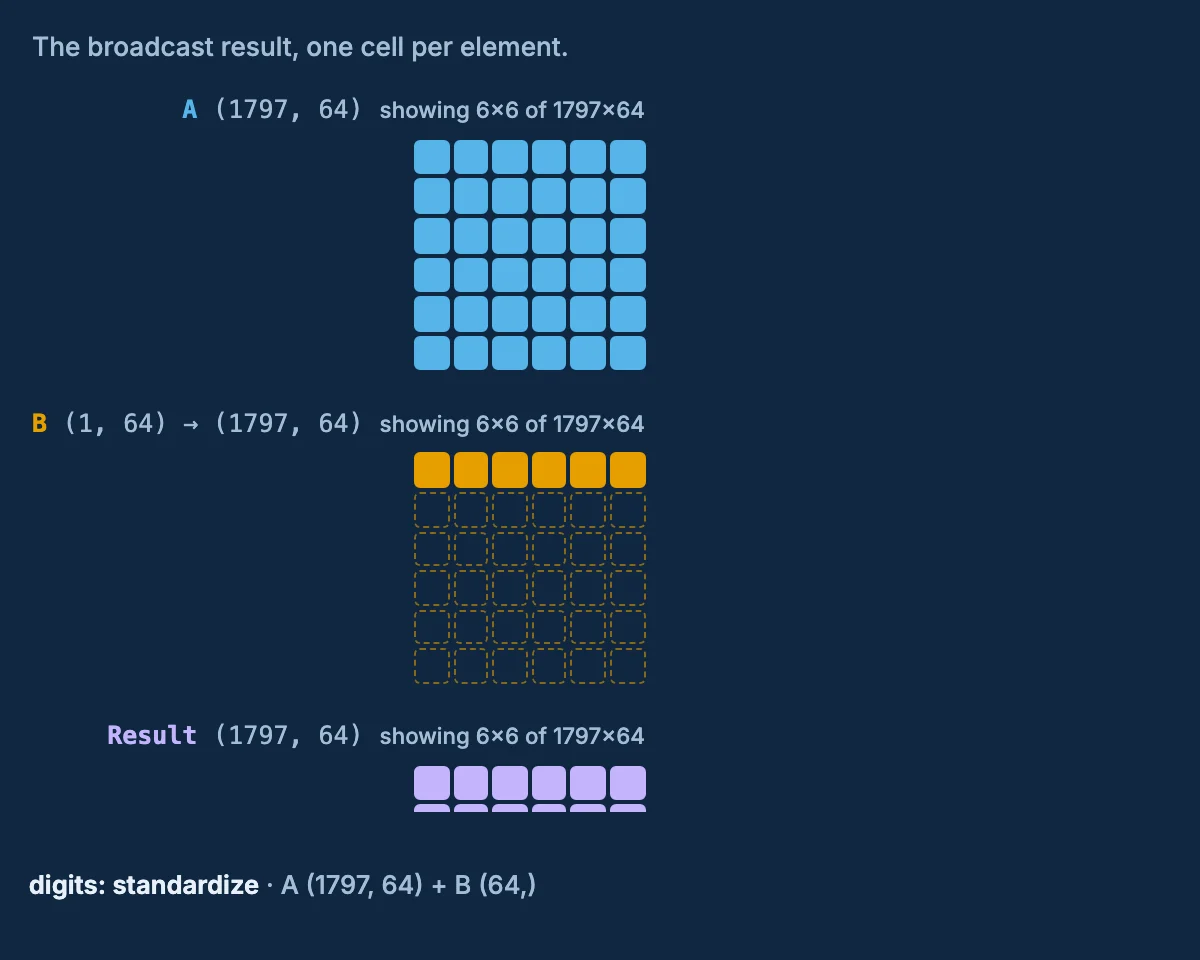
exercise 15 EN ES Colab · src Q1
04 Reshape and transpose real images
HWC to CHW, NHWC to NCHW, and why reshape silently destroys an image.
exercise 15 EN ES Colab · src Q1
🎯 Kahoot 1 — Tensor Vocabulary & Shapes · 6 questions · 5 min — covers sections 01, 03, 04
05 Video pipeline design
Design the tensor shape at every stage of two real video systems.
group 15 EN ES Colab · src —
06 Contraction with einsum
One notation for the dot product, the matrix product, and a batch of images.
exercise 15 EN ES Colab · src Q2
07 Inverses and the pseudoinverse
Solve a 20,433-equation system that has no exact solution.
exercise 15 EN ES Colab · src Q2
🎯 Kahoot 2 — Einsum, Distance & the Pseudoinverse · 6 questions · 5 min — covers sections 06, 07
08 Recursion with matrices and vectors
Apply one matrix again and again: Fibonacci, eigenvectors, and a real forecast.
demo 10 EN ES Colab · src —
09 Convolution and deconvolution
Convolution is a structured matrix product, and blur can be partly undone.
exercise 15 EN ES Colab · src Q3
10 Tucker decomposition on real data
PCA generalized to every axis, on a real tensor of New York taxi trips.
exercise 15 EN ES Colab · src Q3
🎯 Kahoot 3 — Convolution & Tensor Decompositions · 6 questions · 5 min — covers sections 09, 10
11 Wrap-up and take-homes
What connects Blocks 4, 5 and 6, plus five take-home exercises.
wrap-up 5 EN ES Colab · src —

Not shown: the three 5-minute breaks. The twelve sections come to 165 minutes; the three quizzes add 15 and the breaks another 15, which is how the session reaches 195 minutes.

A note on language

This workshop is taught in English, but many terms are nearly identical in Spanish: tensor/tensor, matrix/matriz, axis/eje, dimension/dimensiĂłn, decomposition/descomposiciĂłn, factorization/factorizaciĂłn, contraction/contracciĂłn, convolution/convoluciĂłn, recursion/recursiĂłn.

Ask questions in Spanish or English — whichever lets you ask faster. The slide deck exists in both languages, and every notebook heading carries a one-line Spanish summary.

Where to go next

  • Handbook — the full student text and facilitator notes, including the four take-home appendices.
  • Notebooks — all twelve, with Colab badges.
  • Kahoot — the three quizzes and how to run them.